Quick Answer & Key Takeaways
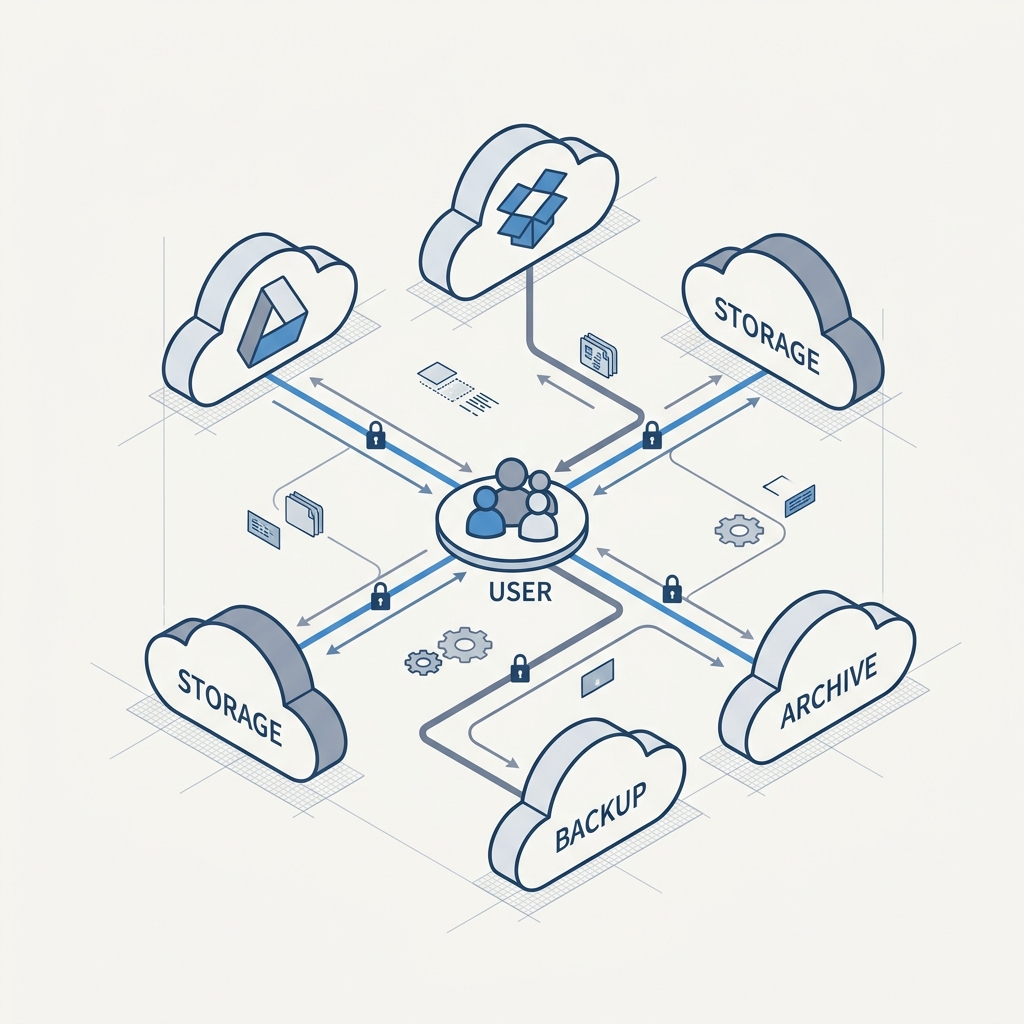
MultCloud, Insync, and KeepCloud solve three different problems. MultCloud is built primarily for server-to-cloud file transfers and scheduled backups. Insync is built for two-way local desktop folder syncing to your hard drive. KeepCloud (by ROXLI) is a zero-copy unified multi-cloud workspace with AstraClaw AI OCR/semantic search, conversational Q&A, and universal sharing.
- Zero local disk bloat: Unlike two-way desktop sync clients, KeepCloud does not require mirroring gigabytes onto your SSD.
- Content search, not just filenames: AstraClaw AI reads inside scanned PDFs, receipts, and images across Google Drive, OneDrive, Dropbox, and Telegram Cloud.
- Verified security & DPDP compliance: AES-256-GCM OAuth encryption with isolated keys, zero AI model training, and India DPDP Act 2023 + GDPR alignment.
- Honest trade-off: Choose a local sync tool if you specifically need offline Finder/Explorer folders; choose KeepCloud when you want unified search, AI insights, and cross-cloud browsing everywhere.
Three different architectures for managing multiple clouds
When people compare multi-cloud managers, they often lump every tool into one bucket. In reality, the underlying architecture determines whether a tool fills your laptop drive, sits in a browser strictly for migrations, or acts as a searchable workspace across all your accounts.
Before picking a winner, it helps to separate the core job each product was engineered to do: combining Google Drive, OneDrive, and Dropbox in one app for daily retrieval looks very different from running a one-time 200 GB cloud migration.
Side-by-side comparison: KeepCloud vs MultCloud vs Insync
| Capability | KeepCloud (keepcloud.in) | MultCloud | Insync |
|---|---|---|---|
| Primary Architecture | Zero-copy unified AI vault & workspace | Cloud-to-cloud transfer & backup dashboard | Local desktop two-way folder sync client |
| Local Disk Space Required | Minimal — metadata cached in cloud; files stream on demand | None (web-based transfer) | High — mirrors synced folders locally onto your computer |
| Supported Core Clouds | Google Drive, OneDrive, Dropbox, Telegram Cloud (MEGA Coming Soon) | Broad transfer connectors across consumer & object storage | Google Drive, Microsoft OneDrive, Dropbox |
| In-File AI & OCR Search | AstraClaw AI 5-agent OCR, 768-dim vectors, SigLIP 2 vision, English/Hindi/Hinglish, Source Card Q&A | Filename / folder browsing across linked drives | Relies on local OS filename and system indexing |
| Universal Sharing | Single KeepCloud proxy link with inline previews & hashed password gate | Share links per cloud file | Native provider sharing inside local OS context menu |
| Credential Security & Privacy | AES-256-GCM + unique 12-byte nonce, TLS 1.3, Zero AI training, DPDP Act 2023 & GDPR | OAuth authorization with server-side transfer access | Local desktop OAuth tokens stored on user machine |
| Platforms | Web, macOS Apple Silicon & Intel (.dmg), Android (.apk), Windows & iOS PWA | Web browser | Windows, macOS, Linux desktop |
When to choose KeepCloud vs MultCloud vs Insync
- Choose KeepCloud when you want all your Google Drive, OneDrive, Dropbox, and Telegram Cloud files in one fast workspace without consuming laptop SSD space — and when finding a scanned receipt, IRCTC ticket, contract, or photo matters more than mirroring raw folders locally. Inspect the full KeepCloud & AstraClaw AI documentation for technical details.
- Choose a transfer tool like MultCloud when your primary goal is scheduling bulk cloud-to-cloud migrations or copying archives from one provider account to another in the background.
- Choose a desktop sync client like Insync when you work offline on a single workstation and specifically want local folders in Finder, Windows Explorer, or Linux synced bidirectionally to disk.
Security, encryption, and DPDP Act compliance
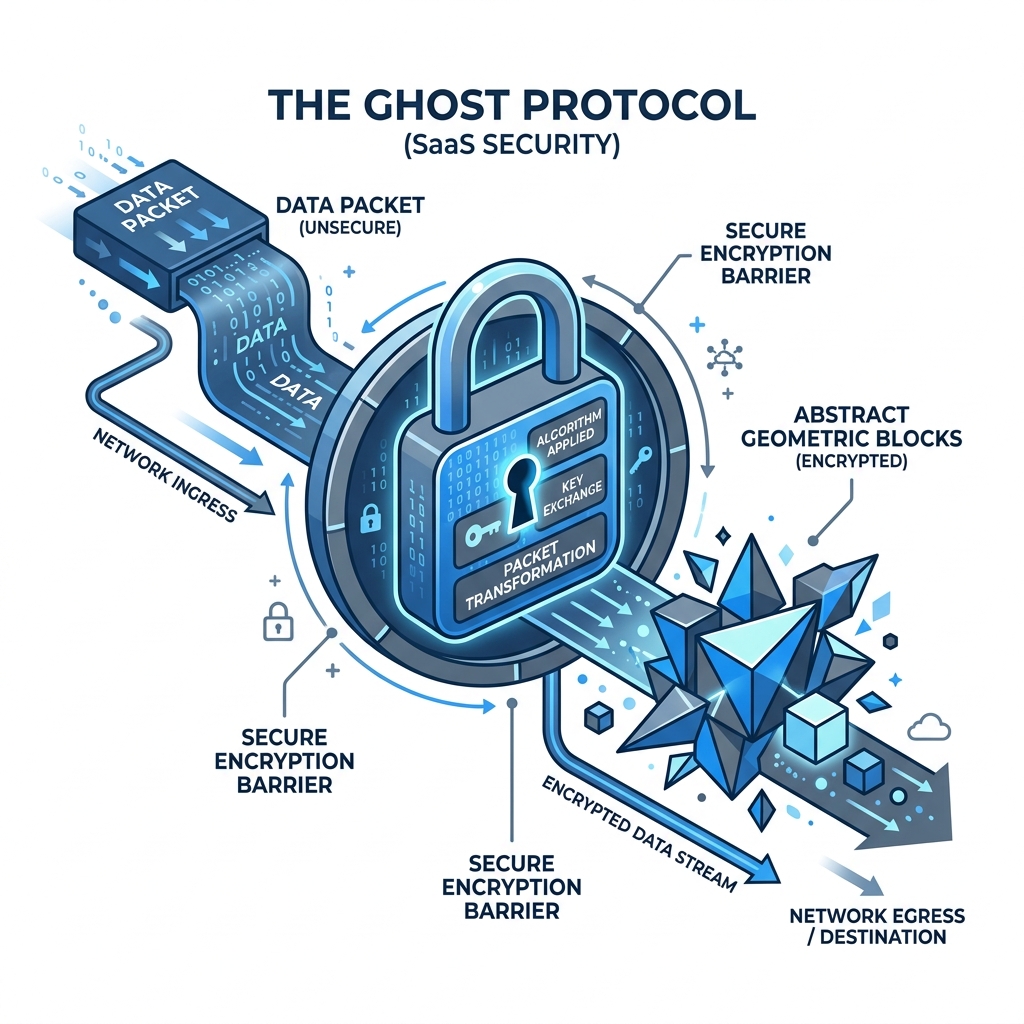
Multi-cloud tools hold OAuth credentials for multiple sensitive accounts at once, making credential hygiene critical. KeepCloud encrypts every OAuth access and refresh token with AES-256-GCM authenticated encryption using a fresh 12-byte nonce on every write and an environment-isolated 256-bit key. All data handling complies with India's DPDP Act, 2023, GDPR, and Google API Services User Data Policy (Limited Use), with a strict zero-model-training guarantee.
Transparent KeepCloud pricing and free tier
KeepCloud offers a permanent Free tier (₹0) supporting up to 3 connected cloud accounts and 3 AstraClaw AI queries per day. Paid plans unlock automatic delta sync and higher AI quotas with lower loyalty renewal pricing: Classic (₹399/mo intro, ₹199/mo loyalty renewal, or ₹1,791/yr for 5 accounts & 8 AI queries/day), Pro (₹699/mo intro, ₹349/mo loyalty renewal, or ₹3,141/yr for 15 accounts & 20 AI queries/day), and MAX (₹999/mo intro, ₹499/mo loyalty renewal, or ₹4,491/yr for 50 accounts & 35 AI queries/day). You can also download KeepCloud for macOS, Android, or PWA and test with zero commitment.
Frequently Asked Questions
How is KeepCloud different from MultCloud?
MultCloud focuses on server-side file transfers and scheduled backups between cloud drives. KeepCloud focuses on everyday retrieval — uniting Google Drive, OneDrive, Dropbox, and Telegram Cloud into one zero-copy workspace powered by AstraClaw AI OCR, semantic search, and Source Card document Q&A.
How is KeepCloud different from Insync?
Insync is a desktop sync client that mirrors cloud folders onto your local hard drive for offline file-system access. KeepCloud is a cloud-native zero-copy workspace across Web, macOS, Android, and Windows/iOS PWA that lets you search inside files across clouds without eating local disk storage.
Which tool is best if I want AI search inside scanned PDFs across Google Drive, OneDrive, and Dropbox?
KeepCloud is purpose-built for cross-cloud AI content search. Its AstraClaw AI engine runs a 5-stage OCR preprocessing pipeline, PyMuPDF text extraction, SigLIP 2 multimodal vision, and 768-dimensional semantic indexing across connected clouds in English, Hindi, and Hinglish.